
A corporate reception management system handles everything the front desk does beyond checking visitors in: courier and delivery custody, requests and tasks, room and facility issues reported at the desk, switchboard handling, lost passes and shift handover. It measures that workload so reception can be staffed against real demand rather than a fixed rota, and so the desk's contribution is visible rather than assumed.
Automation should remove the typing, not the person. The value shows up in what a receptionist can do once they are no longer the bottleneck.
- Deliveries logged with chain of custody
- Requests and tasks tracked to closure
- Workload measured, staffing sized to it
- Shift handover that nothing falls out of
What the desk actually absorbs
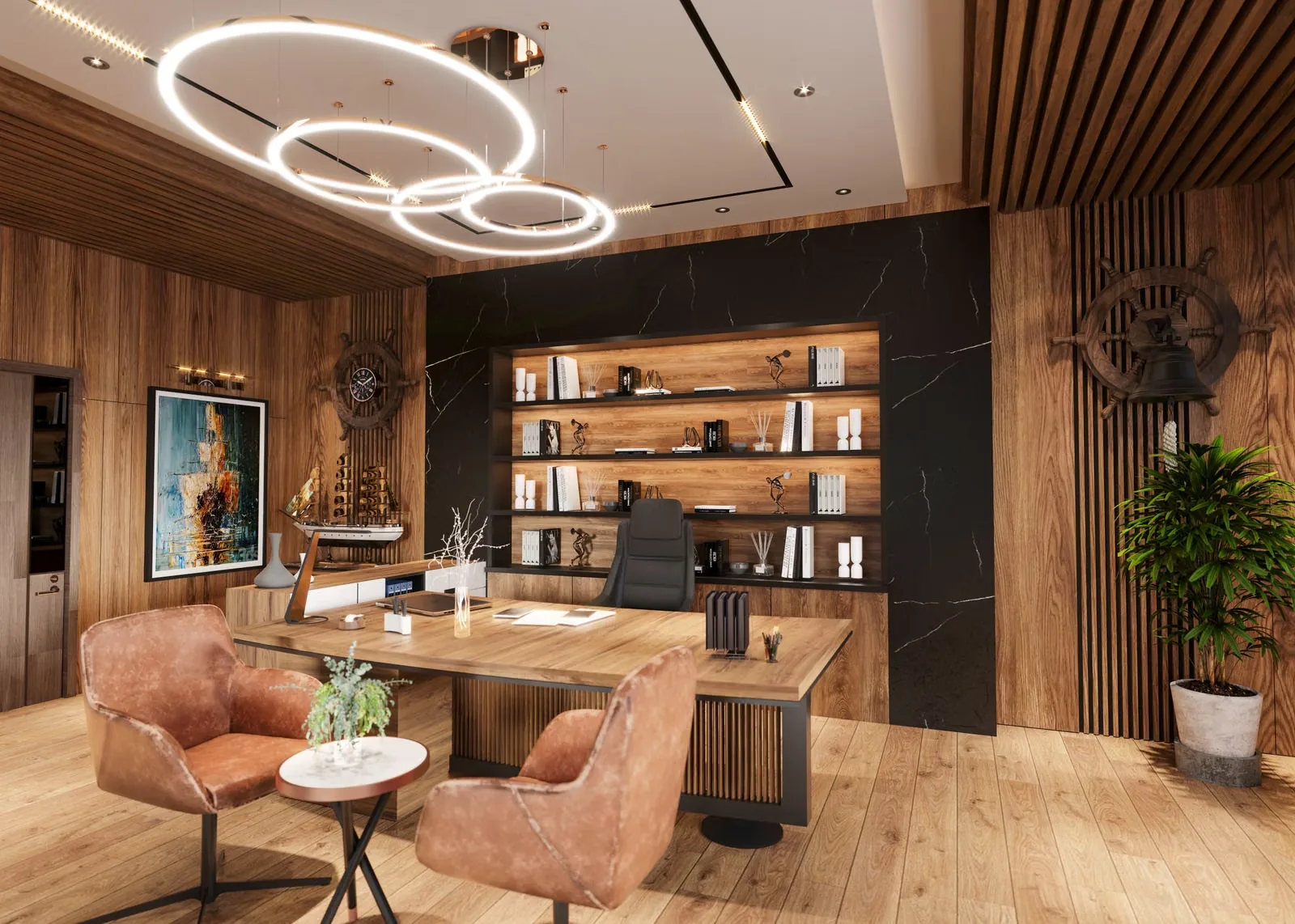
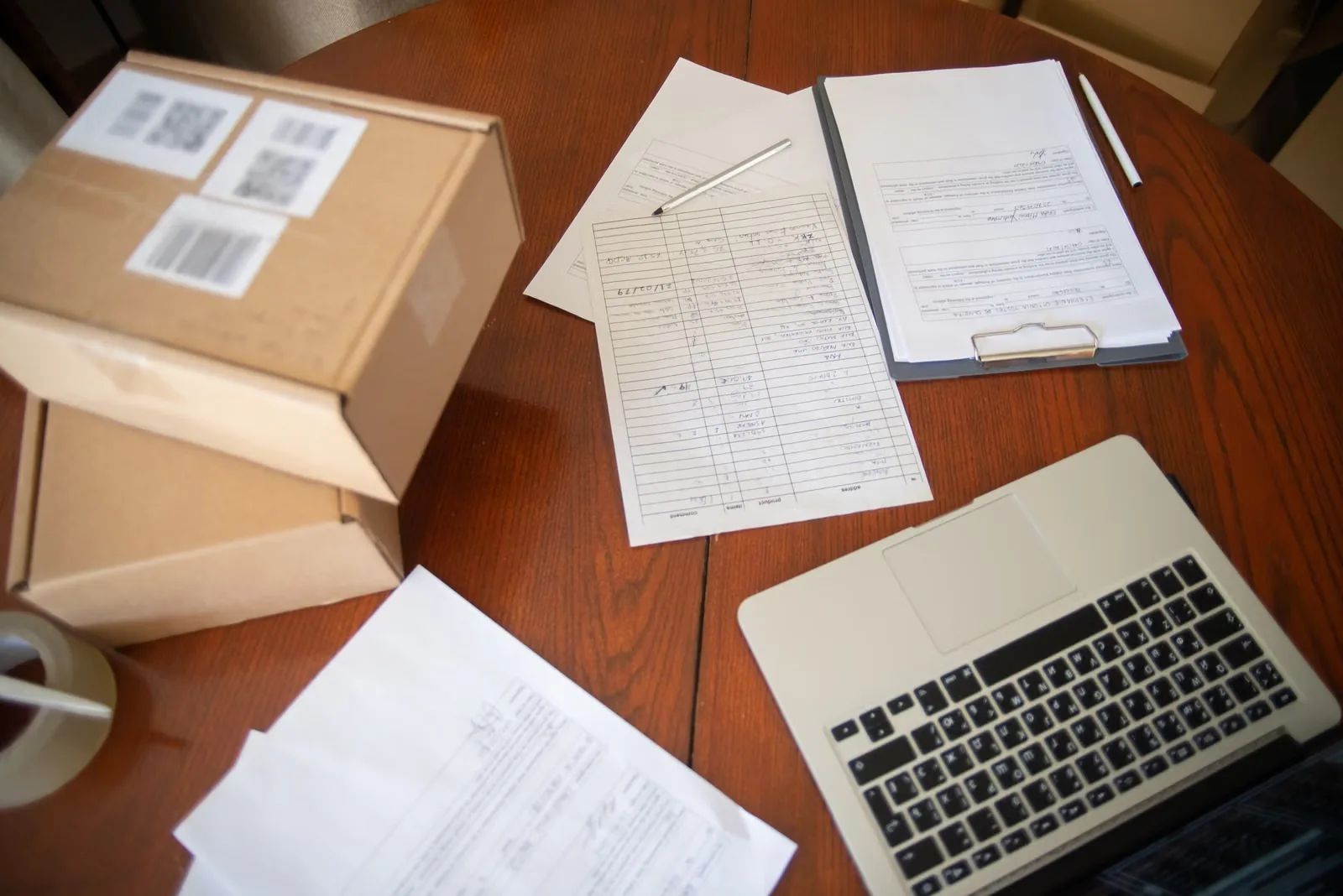
Visitor check-in is the visible part of reception and usually the smaller part. Across a normal day the desk also takes forty parcels, three couriers needing a signature, a switchboard, staff who have lost their pass, a meeting room with a broken screen, a taxi booking, a request for the boardroom to be laid out differently, and a delivery of catering that arrived at the wrong entrance. None of that is recorded anywhere.
Because it is not recorded, two things follow. Reception cannot be staffed sensibly — the rota is set by habit and defended by anecdote, and when a cost review asks what the desk does all day there is no answer. And things fall through: a parcel handed to someone whose name nobody wrote down, a facilities issue reported at 16:00 that the evening receptionist never heard about, a visitor promised a callback that never happened.
- Check-in is the visible part of reception and rarely the largest part.
- Deliveries are handed over with no record, until one goes missing.
- Requests taken verbally at the desk have no owner and no closure.
- Shift handover is a conversation, so open items vanish at 17:00.
- Without workload data, reception headcount is defended by anecdote.
Solution overview
Swedish Technology instruments the whole desk rather than only the visitor. Deliveries and couriers are logged on arrival with recipient, sender and a photograph where it matters, and custody is recorded when they are collected — which is what makes a missing parcel a traceable event rather than an argument. Requests taken at the desk become tracked items with an owner and a closure, routed to facilities, IT or catering rather than written on a pad.
All of that produces the workload picture reception has never had: interactions by type and hour, how long each takes, and where the genuine peaks are. Staffing is then sized against measured demand — which usually shows that the desk needs more cover at two specific windows and less across the middle of the day. Shift handover becomes a structured list of open items rather than a conversation, so nothing depends on what the outgoing receptionist remembers to mention.
How the solution works
- 1Capture every interaction Visitors, deliveries, couriers, calls, requests and issues logged as they happen, with a type and a timestamp — light enough that the receptionist actually uses it.
- 2Route what belongs elsewhere A facilities issue becomes a work order, an IT problem a ticket, a catering request a task — with an owner, rather than a promise made at the desk.
- 3Hold custody Deliveries recorded on arrival and on collection, with the recipient notified, so a parcel has a chain of custody instead of a memory.
- 4Manage the wait Waiting visitors visible with how long they have been there, so a forgotten guest surfaces before they complain rather than after.
- 5Hand over the shift Open items, expected arrivals and outstanding deliveries carried forward as a structured list at every shift change.
- 6Measure and staff Interaction volume and duration by type and hour, which is what turns a staffing conversation from opinion into arithmetic.
Key capabilities
Reference architecture
Deliberately light. A reception tool that takes longer to update than the task it records will be abandoned within a fortnight, so capture is a few taps.
Deployment options: Runs alongside the visitor platform on the same deployment, cloud or on-premise. The desk application works offline and syncs, because a reception that stops working during a network problem simply reverts to paper.
Hardware options
Very little. Reception is a software and process problem with one or two physical exceptions.
| Device | Where it is used | Selection notes |
|---|---|---|
| Desk workstation or tablet | Each reception position | The main tool. It has to be reachable while standing and talking to someone, which rules out a workflow that needs a mouse and three clicks. |
| Parcel storage and lockers | Behind or near the desk | Where delivery volume justifies it, lockers remove the custody problem entirely: the recipient collects directly and the desk is not a holding area. |
| Label printer | Desk | For parcel tagging where volume is high enough that a stack of unlabelled boxes becomes unmanageable by mid-afternoon. |
| Signature capture | Desk | Where couriers require a signature. A photograph of the item plus a recorded collection is usually more useful than the signature itself. |
Swedish Technology supplies and integrates equipment from established manufacturers where lockers or printing are required; most reception deployments need no new hardware.
AI capabilities
Used to reduce typing at a desk where the receptionist is usually mid-conversation.
- Parcel label reading — Extracts recipient and sender from a delivery label so a parcel is logged in seconds rather than typed while a courier waits.
- Recipient matching — Matches a partial or misspelled name on a parcel to the directory, including Arabic and Latin spellings of the same person — the commonest reason a parcel sits uncollected.
- Request classification — Routes a free-text request to the right team automatically, so the receptionist describes the problem rather than choosing a category.
- Demand forecasting — Predicts reception workload by hour from bookings, historical patterns and delivery volume, which is what makes a staffing model defensible.
Integrations
Reception is a routing point. Its value is in handing things on cleanly. These can be designed within project scope.
| System | Integration point & data exchanged | Direction |
|---|---|---|
| Office visitor platform | Visitor check-in and the waiting list feed the desk view, so reception sees the whole picture rather than one system per activity. → Smart Office Visitor Management | bi-directional |
| CAFM / facilities | An issue reported at the desk becomes a work order with an owner rather than a note passed on verbally. → Facility Management | outbound |
| ITSM / service desk | IT problems raised at reception become tickets, which is where most lost-pass and access requests belong anyway. | outbound |
| Microsoft Teams / email | Recipient notification for deliveries and escalation for waiting visitors, in the channel staff actually read. | outbound |
| Telephony | Call volume and handling time captured so switchboard load is part of the workload picture rather than invisible. | inbound |
| Meeting room booking | Room issues and setup requests linked to the booking they concern. → Meeting Room Visitor Check-In | bi-directional |
The integrations above are designed and implemented within project scope using vendor APIs, webhooks or standard connectors. They do not imply partnership, certification or endorsement by the system owner unless stated on that vendor's official pages.
Dashboards & analytics
- Desk now — Waiting visitors and how long, expected arrivals, uncollected deliveries and open requests.
- Workload — Interactions by type, hour and duration — the picture that shows what reception actually does all day.
- Custody — Deliveries received, collected and outstanding, with age, so an uncollected parcel is chased rather than discovered.
- Service — Average wait before a host arrives, request closure times, and items carried over between shifts.
Security & deployment
Reception holds a broad view — who is visiting whom, what is being delivered to which executive — so access is role-scoped and the desk application times out quickly, because it sits on an unattended counter in a public area. Delivery records identify recipients and are kept for the period the organisation needs to resolve a dispute rather than indefinitely. The application works offline and syncs afterwards, since a reception whose tool fails during a network problem simply reverts to paper and loses the record entirely.
Data privacy
Reception data is more revealing than it looks: delivery logs show who receives what, visitor logs show who met whom, and both concern named individuals inside and outside the organisation. Access is limited to reception, facilities and the relevant manager rather than being generally visible, and delivery contents are not recorded beyond what custody requires.
Under UAE Federal Decree-Law No. 45 of 2021 the occupying organisation is the controller. Retention is set per class — a delivery record needs only the dispute window, while a workload statistic can be retained in aggregate long after the individual records behind it are removed. Where reception is outsourced to a facilities provider, the controller and processor roles belong in that contract rather than in an assumption.
Industry use cases
UAE & GCC considerations
UAE offices have unusually high delivery and courier volume — document couriers for government and banking transactions, plus food and parcel delivery through the day — so custody handling is a larger share of reception's workload here than in many markets, and it is the part most often unrecorded. Document couriers in particular carry items whose loss matters, which is the strongest practical argument for a custody record.
Front-of-house teams are multilingual and turn over, so the desk tool has to be learnable in a shift and usable in Arabic and English. Where reception is outsourced to a facilities provider — common in this market — the workload data becomes contractually useful, turning the conversation from headcount to service level. In a multi-tenant tower the same split applies as for visitors: the landlord's desk and the tenant's desk have different responsibilities and, for data protection, different controllers.
Implementation approach
- 1Shadow the desk Observe a full week and log every interaction by type. This is the step that reveals how much of reception's day is not visitor check-in, and it is usually a surprise.
- 2Define the routing Which requests go to facilities, IT, catering or security, and what closure looks like for each. Without this the system becomes a second notepad.
- 3Delivery policy What is accepted, where it is held, how long, and what happens to uncollected items — the area that generates most disputes.
- 4Configure and integrate Desk application, CAFM and ITSM routing, notification channels, and the visitor platform feed.
- 5Pilot at one desk One reception for a month, checking that capture is fast enough to survive a busy morning. If it is not, it will be abandoned.
- 6Staffing review After a quarter of workload data, revisit the rota. The usual finding is a shape change rather than a headcount change.
Why Swedish Technology
- We measure the whole desk, not just check-in — which is where most of reception's day actually goes.
- Capture is designed to be faster than the task it records, or it will not be used.
- Requests leave the desk with an owner, so nothing depends on a receptionist remembering.
- Workload data makes the staffing conversation arithmetic rather than anecdote, which usually helps reception rather than threatening it.
- Arabic and English at the desk, because front-of-house teams here are multilingual and turn over.
Limitations & prerequisites
- The system records what is entered. A desk under pressure will skip logging unless capture is genuinely fast, so the pilot is a test of that rather than of the features.
- Workload analytics can be used to justify a reduction as easily as an increase; presenting it as a shape question rather than a headcount question is a management decision, not a system one.
- Delivery custody reduces disputes but does not eliminate them where items are handed over informally outside the process.
- Routing only works where the receiving teams accept items from it; a work order nobody actions is no better than a note.
- Where reception is outsourced, workload data can become contentious between client and provider and is best agreed as a shared measure before go-live.
- References to PDPL obligations are general guidance, not legal advice.
FAQ
It handles the rest of the desk's day: courier and delivery custody, requests and issues reported at reception, switchboard load, lost passes, waiting visitors and shift handover. Check-in is the visible part of reception and usually not the largest part, which is why automating only that changes less than expected.
That should come from measured interaction volume and duration by hour rather than from a ratio. In practice the answer is usually that the desk needs more cover at two specific windows and less through the middle of the day — a shape change rather than a headcount change.
Not necessarily, and framing it that way usually produces a worse lobby. Automation removes the typing; what it frees up is the part only a person does — greeting, handling the difficult case, and noticing the visitor who has been waiting too long. The measurement will support whichever conclusion the data actually shows.
By recording custody at both ends: logged on arrival with recipient and sender, the recipient notified, and collection recorded. Where volume justifies it, lockers remove the problem entirely because the desk stops being a holding area and the recipient collects directly.
Yes. A reported issue becomes a work order in CAFM or a ticket in the service desk with an owner and a closure, rather than a note passed on verbally. That routing is the difference between a reception system and a second notepad.
Open items, expected arrivals and outstanding deliveries carry forward as a structured list. Verbal handover is where most reception continuity is lost — an issue reported at 16:00 that the evening receptionist never heard about is the classic case.
Only if capture is faster than the task being recorded. That is the single design constraint, and it is what the pilot tests: a tool that needs three clicks while someone is standing at the desk will be abandoned inside a fortnight regardless of how good the reporting is.
Yes — multiple desks on one platform with shared standards, comparable workload data and planned cover between sites. For a landlord running building receptions across a portfolio, that comparability is usually the main reason to deploy it.
Discuss your site with an engineer
Tell us the venue, the expected visitor volume and the systems you already run. We reply with a technical view, a realistic scope and the next sensible step — a site survey, a working demonstration, or a full technical and commercial proposal.
Sources & evidence
- UAE Federal Decree-Law No. 45 of 2021 — Personal Data Protection Law — Governs collection, retention and cross-border transfer of visitor personal data in the UAE.
- UAE Government — business services and workplace — General context for workplace operations in the UAE.
Vendor and product names are trademarks of their respective owners; references are for technical context and do not imply partnership, certification or endorsement.