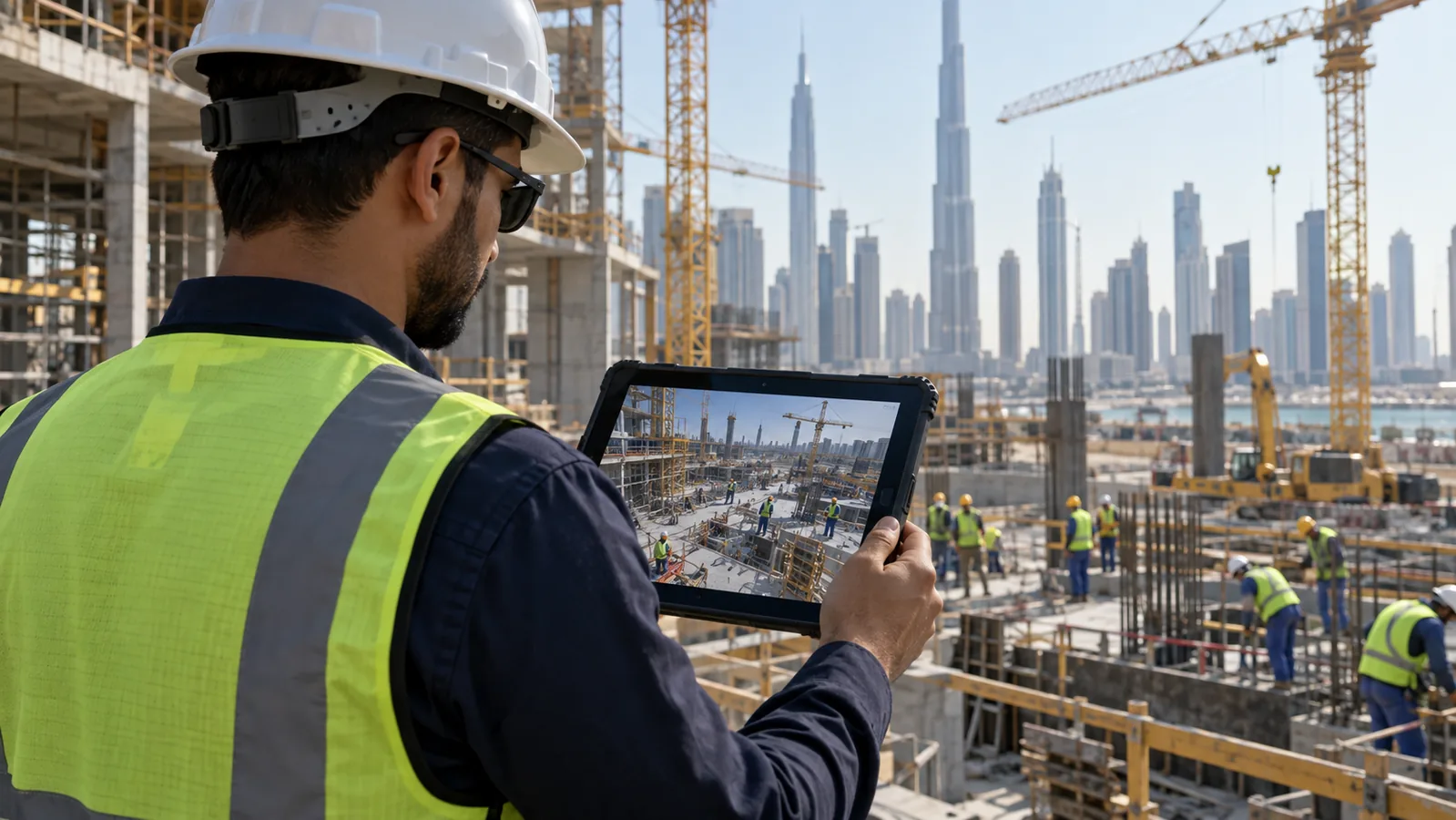
Site safety computer vision analyses camera streams to detect missing PPE, people entering restricted or exclusion zones, and dangerous proximity between vehicles and pedestrians, then raises an alert within seconds. It works best as a supervised warning and evidence layer, not as a safety-rated control. Camera placement, zone definition and alert discipline determine whether it changes behaviour or gets switched off.
Swedish Technology designs safety vision around a camera-by-camera detection matrix, so every stakeholder knows before installation which events each camera can and cannot reliably see.
What problem does this solve?
Most industrial sites already have cameras everywhere and almost no safety benefit from them. The recordings are used after an incident, to establish what happened and who was at fault. Nobody is watching sixty streams at once, so the near-misses that precede a serious injury — the person walking through a forklift aisle, the contractor entering a live lifting zone, the crew working at height without harnesses because the harnesses were in the other container — are never seen unless a supervisor happens to be standing there.
The controls that exist depend on human vigilance at exactly the moments when vigilance is weakest: end of shift, during a rush, when a subcontractor crew is on site for two days and has not absorbed the site rules. HSE teams respond with more toolbox talks and more spot checks, which produce compliance while the observer is present. The result is a safety record built on lagging indicators — incidents and lost time — with no measurement of the unsafe conditions that produced them.
There is also a credibility trap. Sites that buy an off-the-shelf 'AI safety camera' product often discover within weeks that it flags a rolled-up jacket as a missing vest, misses helmets on people twenty metres from the camera, alerts on the same stationary worker forty times an hour, and cannot tell a supervisor crossing a marked line from a labourer standing under a suspended load. The alerts go to a WhatsApp group, the group mutes it, and the system becomes an expensive recorder again. The failure is rarely the model alone — it is camera views the detections were never viable at, zones drawn without operational input, and no policy for what happens when an alert fires.
How the solution works
Safety computer vision works when it is engineered as a site system rather than bought as a feature. Existing ONVIF/RTSP cameras are surveyed view by view to establish what is actually resolvable: a person occupying only twenty pixels of height cannot be assessed for PPE, no matter what the model claims. Cameras that can support a detection are assigned to it; those that cannot are either repositioned, given different optics, or used only for coarse detections like presence in a zone. This detection matrix — camera by camera, event by event — is the deliverable that keeps expectations honest before anything is installed.
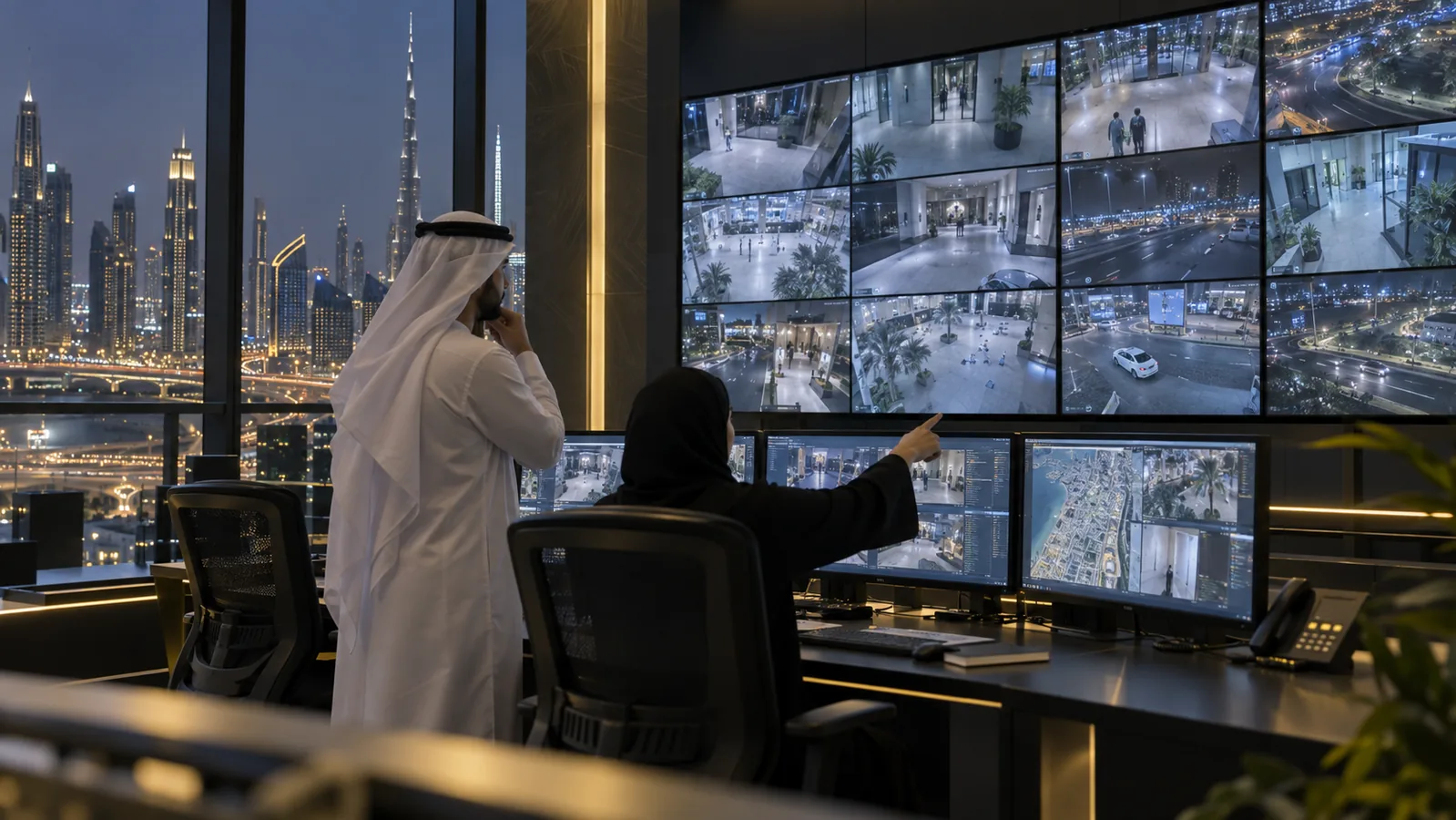
Analytics run on an on-premise node so video never leaves the site. Person and vehicle detection, PPE attribute checks, multi-frame tracking and zone or distance rules produce events; an alert policy then decides which events reach a human, with severity, confidence thresholds, cooldown periods and shift-based routing. Alerts go where they can change the outcome: a local beacon or horn near the hazard, a message to the supervisor's phone, an entry in the control room queue, and a clip in the HSE dashboard for trend analysis. Swedish Technology builds these systems as custom development on the customer's own infrastructure, and can integrate them with the site's existing surveillance platform, including the RAQEEB AI surveillance platform we offer and our warehouse safety work.
- 1Input Site layout, camera positions and specifications, the list of hazards and rules to enforce, shift patterns, and who is expected to respond to each type of alert.
- 2Capture Existing cameras are read over RTSP/ONVIF, or new cameras are placed where the survey shows a viable view. Streams are decoded on the analytics node; frame rate and resolution per stream are set to what the detection needs, not to the maximum.
- 3Detection Models detect people, vehicles (forklifts, trucks, plant) and PPE attributes such as helmet, high-visibility vest, and where the view permits, harness or hearing protection. Detections are tracked across frames so one person is one object, not a new alert every frame.
- 4Zone & rule evaluation Calibrated zones drawn on each camera view — exclusion areas, PPE-required areas, pedestrian walkways, vehicle aisles — are evaluated together with dwell time and, where geometry allows, distance between a vehicle and a person.
- 5Alert policy Events are filtered by confidence, minimum duration and repeat suppression, assigned a severity, and routed by zone and shift. A person crossing a walkway for two seconds is not the same event as someone standing in a lifting zone for a minute.
- 6Action High-severity events trigger local warning devices near the hazard and a supervisor notification; medium events enter a review queue; all events are stored with a short video clip as evidence.
- 7Reporting & learning Trends by zone, shift, contractor and event type feed the HSE review, and every dismissed alert is recorded with a reason so thresholds, zones and models can be improved with evidence.
Reference architecture
Video stays on site, decisions are auditable, and nothing in the safety-critical chain depends on this system. Five layers, deliberately kept separate.
| Layer | What it contains |
|---|---|
| Camera & optics layer | Existing CCTV where the survey shows sufficient pixels-on-target, supplemented by cameras positioned for the specific detection — gate views for PPE at entry, overhead or corner views for aisles, weather-rated housings for outdoor construction. |
| On-site analytics node | GPU server or industrial edge devices decoding streams and running detection, tracking and rule evaluation, sized by the number of streams and required frames per second. Runs entirely inside the site network. |
| Rules & zone configuration | Per-camera zone polygons, dwell thresholds, PPE requirements by area and time, vehicle-pedestrian distance rules, and exemptions — configurable by the HSE team without redeployment. |
| Alerting & response | Alert policy engine, integration with local beacons, sirens or andon lights via I/O or PLC, supervisor mobile app, control room queue and escalation ladder. |
| Evidence, dashboard & governance | Short retained clips linked to events, HSE dashboard with trends, full audit log of who saw and dismissed what, retention rules, role-based access and privacy controls including optional face and identity blurring. |
Deployment options: Standard deployment is fully on-premise: analytics node in the site server room or a ruggedised cabinet, storage local, no outbound internet required. Multi-site customers can add a private-cloud reporting layer in the UAE that receives aggregated event metadata only, with video remaining at each site unless explicitly exported.
Key capabilities
Integrations
Safety vision should reuse the site's existing surveillance and operational systems rather than creating a parallel stack. All integrations are engineered against the customer's own platforms.
| System | Integration point & data exchanged | Direction |
|---|---|---|
| Existing VMS / CCTV (ONVIF, RTSP) | Streams read from the current recorder or cameras; events and bookmarks pushed back so operators keep working in the platform they already use. → RAQEEB – AI Surveillance | bi-directional |
| Warehouse operations and WMS | Aisle and dock-door events correlated with operational activity so safety trends can be read against throughput and shift load. → Octopus WMS | outbound |
| Local warning devices, PLC and access control | Beacons, horns and andon lights driven from the analytics node via digital I/O or OPC UA; optional interlocks with door or barrier control where the customer's safety assessment permits it. | outbound |
| RTLS / tag-based tracking | Where badges or tags exist, vision events can be corroborated with location data to reduce false alerts and to identify zones rather than individuals. → MOWQIE – RTLS Tracking | inbound |
| HSE and incident management systems | Events, clips and trend data exported into the organisation's incident, permit-to-work or QHSE platform for investigation and corrective action tracking. → Primavera P6 – Project Management | outbound |
| Business intelligence and management reporting | Leading safety indicators published alongside operational KPIs for site and portfolio-level review. → Business Intelligence | outbound |
Industry use cases
UAE & GCC considerations
Workplace video in the UAE and GCC involves both security regulation and worker privacy expectations, and government or defence-adjacent sites frequently prohibit video leaving the premises entirely. Our standard configuration keeps all video and analytics on-premise with no outbound connectivity, retains only short evidence clips against defined retention rules, and supports face blurring so the system reports unsafe conditions by zone rather than building a profile of named individuals. Where a site falls under CCTV compliance requirements, the safety analytics layer is designed to sit alongside the compliance platform rather than replacing it. Supervisor apps, alert texts, zone names and HSE reports are delivered in Arabic and English, which matters on multinational sites where the workforce and the HSE documentation are not in the same language. Procurement typically expects a site survey and a paid pilot on a limited camera set with agreed acceptance criteria before site-wide roll-out, plus documented hand-over and locally available support.
Implementation approach
- 1Hazard and rule workshop (1 week) With HSE and operations, list the incidents and near-misses actually being targeted, the rules to enforce, the exemptions that exist in practice, and who will respond to each alert type.
- 2Camera survey and detection matrix Assess each camera view for pixels-on-target, angle, occlusion and lighting; produce a written matrix of which detections are viable per camera, which need repositioning or new optics, and which are not achievable.
- 3Zone design and calibration Draw zones on the camera views with the people who work in them; calibrate the ground plane where distance-based rules such as forklift proximity are needed.
- 4Pilot on a limited camera set (4–8 weeks) Run detections in silent mode on a handful of representative views, measure detection and false-alarm rates against reality, and tune thresholds before anyone receives an alert.
- 5Alert policy and response design Agree severity levels, routing by shift and zone, cooldown periods, escalation, and the maximum number of alerts per shift the team commits to reviewing.
- 6Integration build VMS event push, local warning devices, supervisor app or control-room queue, HSE dashboard and export to the incident management system.
- 7Roll-out and training Extend to the remaining viable cameras, train supervisors and operators in Arabic and English, and brief the workforce on what the system does and does not do — quietly installed safety cameras generate resistance that undermines the programme.
- 8Review cycle and hand-over Monthly review of alert precision, zone changes as the site layout evolves (essential on construction sites), retraining schedule, documentation and source hand-over.
Security & deployment
The analytics node sits on the site's camera network segment, reads streams read-only, and requires no outbound internet connection; where interlocks with barriers or machinery are requested, they are implemented only after the customer's own safety assessment and never as a substitute for a safety-rated device. Access to live views, clips and event history is role-based and logged, so it is possible to demonstrate exactly who viewed which footage. Retention is short by default and configurable, face blurring can be applied at ingest so unblurred frames are never stored, and event exports carry metadata rather than video unless explicitly authorised. For classified or defence-adjacent facilities the full system runs air-gapped, with model updates delivered as signed offline packages.
Limitations & prerequisites
- This is a warning and evidence layer, not a safety-rated control system. It does not replace light curtains, guarding, interlocks, proximity sensors on vehicles or a permit-to-work regime, and it must never be presented in a risk assessment as if it did.
- Detection quality is governed by the camera view. Distance, angle, occlusion by racking or equipment, backlight, glare, rain, dust and night lighting all reduce accuracy, and some views simply cannot support PPE attribute checks at all.
- PPE detection is appearance-based. A helmet carried in the hand, a vest under a jacket, a non-standard colour or an unusual harness type will produce errors in both directions; correct wearing (chin strap fastened, harness clipped) is generally not verifiable from a camera.
- Distance-based rules such as forklift-person proximity depend on ground-plane calibration and degrade with camera movement, changed layouts or unusual perspectives; they give a useful warning zone, not a measured safety distance.
- False alerts cannot be eliminated. The system is tuned to a level of alerts the team agrees to handle, which necessarily means some events are missed — that trade-off must be documented and accepted by the HSE owner.
- Sites change. On construction projects zones must be redrawn as work progresses, and an unmaintained zone map produces alerts that everyone learns to ignore within two weeks.
- Worker consent, privacy regulation and industrial-relations context apply. Deployments that are not communicated to the workforce reliably attract obstruction — cameras turned, blocked or reported as faulty.
- Identifying individuals from safety alerts is deliberately out of scope in our designs unless the customer has a documented legal basis; reporting is by zone, shift and contractor.
Supervisor observation vs sensors vs safety vision vs safety-rated systems
These layers do different jobs. Safety vision fills the gap between human observation and hard-wired protection, and does not replace either.
| Criterion | Supervisor observation | Tag/sensor proximity systems | Safety computer vision | Safety-rated controls |
|---|---|---|---|---|
| Coverage | Where the supervisor is standing | Wherever tags and sensors are fitted | Every camera with a viable view | The specific machine or opening |
| Detects missing PPE | Yes, by judgement | No | Yes, for helmet and vest at viable views | No |
| Detects zone entry | Only if observed | Yes, for tagged people | Yes, including untagged people and visitors | Only at the guarded point |
| Vehicle-person proximity | Unreliable | Strong, if all parties are tagged | Warning-level, view-dependent | Strong, on the equipped vehicle |
| Works for untagged visitors and subcontractors | Yes | No | Yes | Yes at the guarded point |
| Evidence for investigation | Written report | Event log | Event log plus video clip | Fault log only |
| Reliability class | Human-dependent | Engineering control | Advisory / warning only | Safety-rated |
| Main cost driver | Labour | Tags and hardware per person and vehicle | Camera views and analytics capacity | Machine-level engineering |
A practical site combines them: safety-rated protection at machines, tag-based proximity on high-risk vehicles, vision for site-wide coverage of untagged people and areas, and supervisors focused on the exceptions the system surfaces.
FAQ
Often for zone and vehicle detections, less often for PPE. The determining factor is pixels-on-target: a person needs enough image height for a model to assess a helmet or vest, and typical wide-area cameras mounted high do not provide it. The site survey tells you camera by camera which detections are viable, which need repositioning or a different lens, and which need a new camera.
The number of camera streams and the frame rate each detection needs (this sizes the analytics hardware), how many cameras must be added or repositioned, the number of distinct rules and zones, and the depth of integration with the VMS, warning devices and HSE systems. Ongoing cost is dominated by zone maintenance and alert review, particularly on sites where the layout changes.
Survey and rule workshop take 1–2 weeks, a pilot on a limited camera set 4–8 weeks including tuning, and site-wide roll-out a further 4–8 weeks depending on camera works. Construction sites should also budget recurring effort to redraw zones as the project progresses.
It varies too much by camera view to quote a single figure honestly, and we measure it per camera during the pilot rather than promising a percentage upfront. On a well-framed gate or work-front view it is reliable enough to drive supervisor action; at long range, in glare or with heavy occlusion it is not, and those views are excluded from PPE rules in the detection matrix.
We do not recommend it and do not offer it as a safety function. Vision-based proximity is advisory: it warns the driver and the pedestrian through a beacon or horn and logs the event. Automatic stopping is the domain of safety-rated on-vehicle systems designed and certified for that purpose.
No, in the standard design. Analytics run on an on-premise node, clips are stored locally under your retention policy, and the system needs no internet connection. Multi-site customers who want central reporting receive aggregated event metadata only, and air-gapped deployment is supported.
By agreeing an alert budget per shift before go-live and tuning to it: confidence thresholds, minimum dwell times, cooldown periods so one person does not generate repeated alerts, grouping of related events into a single case, and routing by zone and shift. Every dismissed alert is captured with a reason and used to adjust zones, thresholds and models.
Not in our default design. Detections are of people as objects, reporting is by zone, shift and contractor, and face blurring can be applied at ingest so unblurred frames are never stored. Any identification capability requires a documented legal basis and an explicit decision by the customer, and should be discussed with HR and legal before, not after, deployment.
You do. Video, event data, configuration and reports stay on your infrastructure, and the models, integration source and configuration are handed over with documentation. Support and periodic retraining can be provided under an agreement, but the site is never dependent on us to keep the system running.
Which of your existing cameras can actually do this?
Send us a camera layout, a few sample frames and the incidents you want to prevent. We reply with a written survey: which cameras are usable as-is, which need repositioning or new optics, which detections are realistic at those views, and how the alerting should be routed.
Request a Safety Vision Site SurveySources & evidence
- ISO — ISO 45001 occupational health and safety management — management-system context for leading indicators
- OSHA — Personal protective equipment — reference definition of PPE categories
- OSHA — Powered industrial trucks (forklift safety) — pedestrian and vehicle separation guidance
- ONVIF — profiles and specifications — camera interoperability for stream access and events
- NIST — AI Risk Management Framework — governance for AI systems affecting people
Vendor and product names are trademarks of their respective owners; references are for technical context and do not imply partnership, certification or endorsement unless stated on the vendor's official pages.